QR Code Best Practices: Design, Print, and Placement
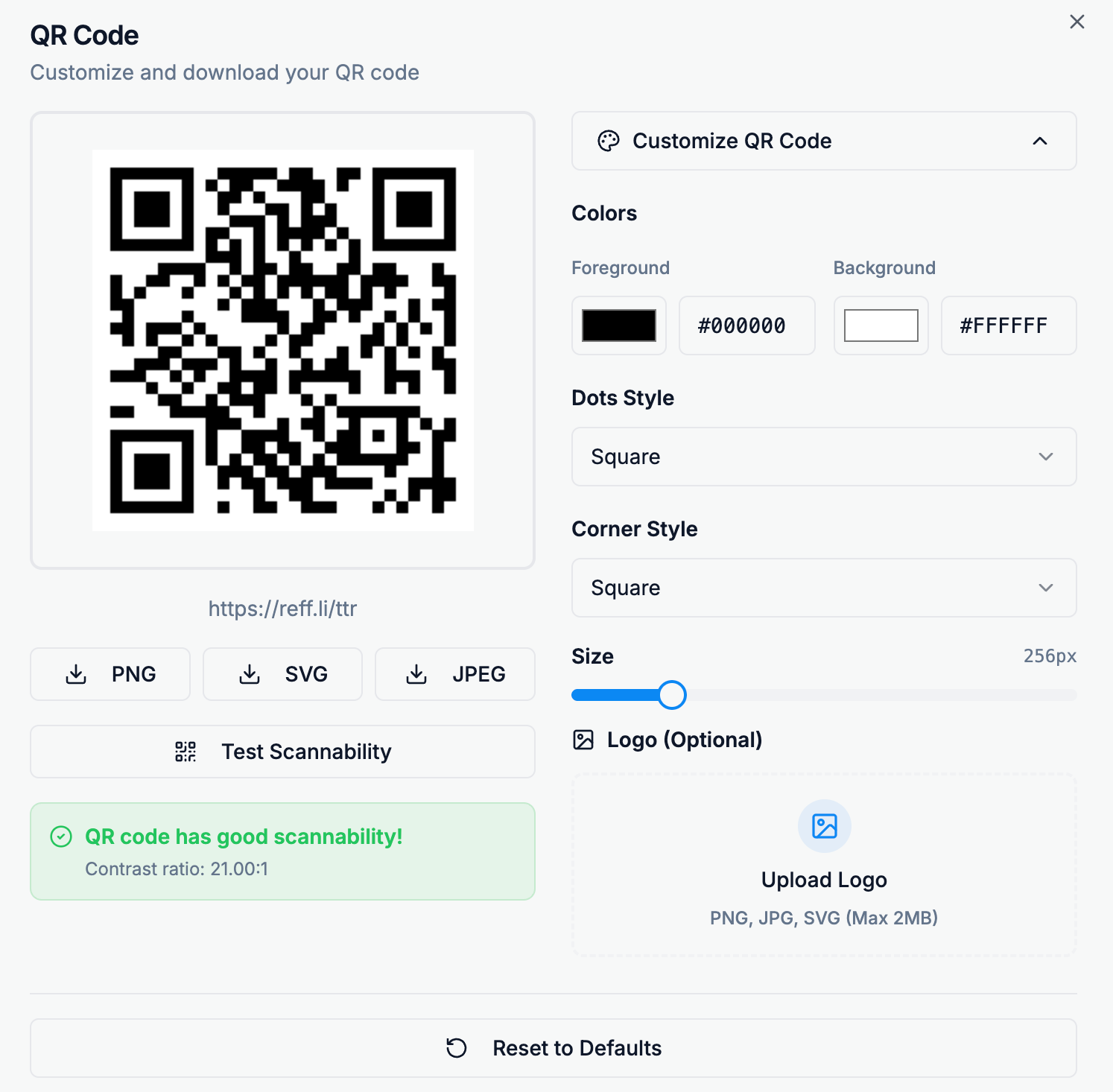
QR codes are a powerful way to connect the offline world with your online content — from posters and packaging to business cards and flyers. 🚀
Every short link you create in Reff.ly automatically comes with a QR code, ready to download and share.
This guide will help you design, print, and place your codes effectively to ensure your audience can scan them easily and confidently.
🎨 QR Code Design Tips
A well-designed QR code should balance style and functionality — looking great while remaining 100% scannable.
Keep contrast high
Always use a dark foreground (e.g., black or dark blue) on a light background (white works best).
Avoid distortion
Never stretch or skew the code; keep it square to preserve scannability.
Leave quiet space
Keep a margin (white border) of at least 4 "modules" around the QR code. This helps scanners detect it accurately.
Add your logo thoughtfully
Small logos in the center can work, but don't cover more than 20–25% of the code.
Test before printing
Scan your QR code from multiple devices and distances to ensure reliable results.
🖨️ Print Quality Guidelines
Your QR code is only as good as its print quality. Follow these tips to ensure every scan succeeds — even from a distance.
Minimum size
For most print materials, use at least 2×2 cm (0.8×0.8 in). For posters or outdoor ads, go larger (5 cm or more).
Use vector format for print
Prefer SVG when possible; it scales without losing sharpness.
Avoid glossy surfaces
Reflection can interfere with camera focus. Use matte finishes for best results.
High contrast is key
Ensure strong color contrast between the code and background, especially in sunlight or low-light environments.
Never print blurry or pixelated codes
If it looks fuzzy, re-download from Reff.ly at a higher resolution.
📍 Placement Strategies
Good placement makes all the difference — your QR code should be easy to find and scan naturally.
Put it where people pause
Think checkout counters, brochures, posters, menus, or packaging — anywhere people linger for a few seconds.
Include a short call-to-action (CTA)
Add clear text like "Scan to learn more" or "Get your offer here" to encourage scanning.
Avoid corners and folds
Keep QR codes flat and visible; never place them across seams or curved surfaces.
Mind the distance
Ensure the QR code size matches expected viewing distance — bigger for posters, smaller for cards.
Use consistent branding
Reinforce trust by pairing your QR with your logo, color palette, and Reff.ly domain link.
💡 With a little attention to design, print quality, and placement, your QR codes can become one of the most effective bridges between your offline and online presence.
Every QR you generate through Reff.ly is built for reliability — now it's up to you to make it shine.
Ready to Get Started?
Create your first short link today and start tracking your success.
Shorten Your First Link Today